

Philips Smart Lock for Front Door, Smart Lock with APP
$129.99
Product Overview
The Philips Smart Lock for Front Door represents a significant leap forward in home security and convenience. As a newly released model from Philips, this smart lock integrates advanced Wi-Fi connectivity with user-friendly app controls to deliver secure, flexible access management for your front entrance. Designed for modern homeowners who want to eliminate traditional keys while maintaining strong protection, this smart lock replaces physical keys with digital PIN codes—giving you full control over who enters your home and when.
Whether you’re managing daily access for family members, granting temporary entry to guests, or setting up recurring access for service providers, the Philips Smart Lock streamlines the process through intuitive remote management. With support for multiple code types and seamless integration into your existing door setup, it offers peace of mind without requiring complex installation or professional assistance.
Key Features
- Wi-Fi Smart Lock Technology: Connects directly to your home Wi-Fi network via the Philips Home Access app, enabling remote control, real-time monitoring, and instant access adjustments from anywhere with an internet connection.
- Versatile Passcode Options: The system supports four distinct types of PIN codes: permanent codes for trusted household members, temporary codes for one-time visits, recurring codes for regular helpers (like weekly cleaners), and duration-based codes that automatically expire after a set period—ideal for short-term guests or contractors.
- App-Based Control: All locking and unlocking actions are managed through the free Philips Home Access app, available on both iOS and Android devices. This allows you to grant or revoke access instantly, view entry logs, and receive notifications—all without needing physical keys or being at home.
- User-Friendly Setup: Engineered for easy retrofit onto standard doors, the lock requires no structural modifications, special tools, or professional installation. Most users can complete the setup themselves within minutes using clear in-app guidance.
- New Release Model: As a newly launched product, this version incorporates the latest improvements in reliability, connectivity, and user experience, ensuring compatibility with current smart home trends and future firmware updates.
Technical Specifications
- Brand: Philips
- Model: Smart Lock for Front Door (Latest Release)
- Control Interface: Philips Home Access app (iOS 12.0+ / Android 8.0+ compatible)
- PIN Code Types: Permanent, temporary, recurring, and time-limited (duration-based)
- Installation Type: Standard door retrofit—compatible with most cylindrical locksets; no drilling or wiring required
- Power Source: Rechargeable lithium-ion battery (USB-C charging cable included)
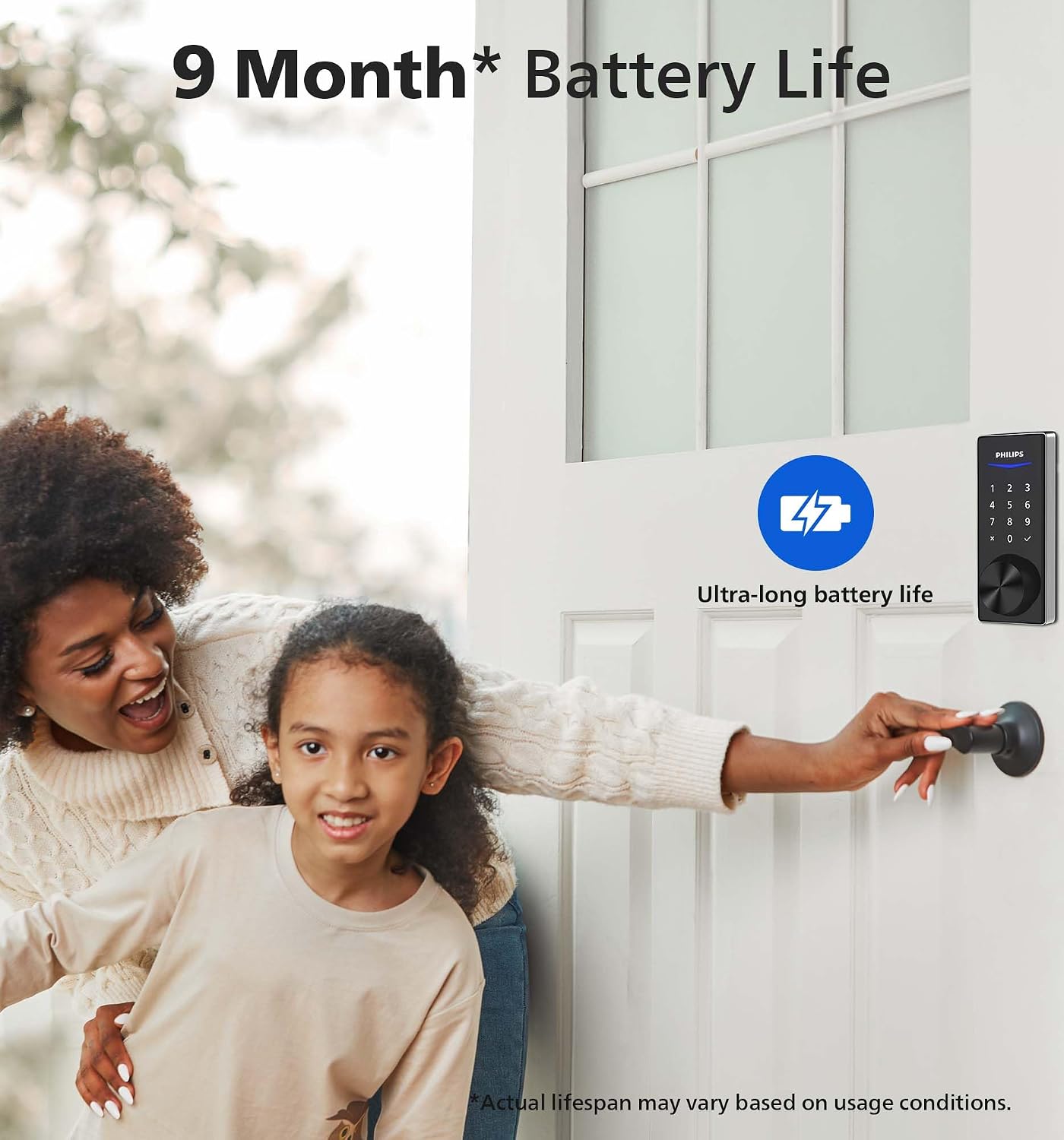
- Battery Life: Up to 500 cycles on a single charge (varies based on usage frequency)
- Security Standards: Meets industry-grade encryption protocols for data transmission and local operation
Connectivity: Wi-Fi (2.4 GHz band only; requires active home Wi-Fi network)
Benefits & Use Cases
This smart lock is especially valuable for busy households, frequent travelers, or anyone seeking greater control over home access without relying on physical keys. Imagine not having to hide spare keys under the doormat or worry about lost key duplication. With the Philips Smart Lock, each person receives a unique PIN code tailored to their needs—permanent for family, temporary for last-minute guests, recurring for housekeepers, and expiring after a few hours for delivery personnel.
The ability to remotely manage access means you can instantly revoke a code if someone leaves town unexpectedly or grant emergency entry to a neighbor while you’re away. Entry activity is logged in the app, so you always know who came and went and when. For renters or shared living spaces, this feature ensures privacy and accountability.
Installation simplicity makes it accessible even for those without technical expertise. Simply remove your existing deadbolt, attach the smart lock body, insert the new cylinder, and pair it with your smartphone via Wi-Fi. The entire process takes under 30 minutes, and the included USB-C cable allows convenient recharging when needed.
As a new release, this model benefits from optimized performance, improved battery efficiency, and enhanced app stability compared to previous generations. Future firmware updates delivered through the Philips Home Access app may introduce additional features like integration with voice assistants or expanded automation rules—keeping your lock current with evolving smart home standards.
Important Notes
While the Philips Smart Lock offers robust functionality, it does require a stable 2.4 GHz Wi-Fi connection to operate fully. Offline capabilities are limited; for example, remote unlocking and code management depend on internet availability. Users must register for a Philips account and download the Philips Home Access app before initial pairing.
This product is designed specifically for indoor front doors and should not be used on exterior gates or high-security facilities. Always ensure your Wi-Fi network uses WPA2 or higher encryption for optimal security. The rechargeable battery should be charged before first use, and low-battery warnings appear in the app to prevent unexpected lockouts.
No professional installation is included, but the step-by-step instructions and video tutorials provided in the app guide you through every phase. If you prefer assistance, local handyman services can install it for a nominal fee—though it’s typically unnecessary given its plug-and-play design.


8 reviews for Philips Smart Lock for Front Door, Smart Lock with APP
Add a review
Related Products

Smart Door Handle Lock with Keypad: Yamiry Fingerprint Smart

Schlage BE499WB CAM 619 Encode Plus WiFi Deadbolt Smart

Veise Smart Lock, Keyless Entry Door Lock, Smart Locks for




joseph basta –
Easy to install and use
I had this product about a 6 months ago and it was easy to install without any previous knowledge, it took about 10 minutes. What I do like about this model, is that have many options to use to open the door but most importantly, is that come with a set of keys to use in case of the batteries died on you.I do highly recommend it. ð
DIY Girly –
Worked like a charm
Easily installed without prior knowledge. Effortless setup, can be setup in both phone app and the lock itself. Very secure. I won’t have to worry about forgetting to lock the door since it locks after a certain seconds that I set up in the app. Highly recommended.Only downfall is the app keeps kicking me out and requires log in so many times that makes it so inconvenience.
T Valk –
Awesome front door lock
We installed this digital lock after moving into our new place. We love that we can use codes on the door itself or use the app to lock/unlock the door. The app is also helpful for those « did I remember to lock the door? » moments because you can check the and lock on the go if needed. Another reasons we chose this unit is that it does still come with keys that can be used to get into the home – as much as I love technology, it brings comfort knowing that if there were ever an issue with the digital component, we could still get in without calling a locksmith.
BM –
Reviews of the lock and the app
I’m going to split my review in two because some people may not care about the app as much.The Lock:The lock itself works like other touchpad locks I have used before. It does not require, or offer, the randomized pre-codes some locks add in order to try to foil potential burglars snooping on your finger movements. I like this because where I use my lock is safe and private and having to enter the extra digits each time is a pain. Besides, this “safety feature” isn’t exactly a secret and any burglar worth their salt is bound to know it exists and be able to figure out your actual code.I was replacing a different touchpad lock, so installing this was familiar and intuitive. The only issue was setting up the Door Position Sensor. The User Manual says to look for a sensor mounting template in the box, but there wasn’t one. However, the first thing you see when you use the app for the first time is step by step instructions on installing and calibrating the door sensor.One minor ding is the voice recordings confirming several actions is so low it is hard to hear. And the fact the speaker is on the inside but it’s for actions you do on the outside doesn’t help.One thing to note is the model number on the box is “4000 Series,” but the Philips web site does not list a 4000 Series (as of 11/19/23) so trying to get help for this model is currently hard to find. I suspect it is a new model and they haven’t updated their web site yet.The App:Usually when you see the term “App” it means it is connected to the internet. This “app” IS NOT connected to the internet. It is connected to the lock via bluetooth only, meaning you need to be within range of the lock for it to work at all. This was a surprise to me. You cannot remotely see current status, get notifications, lock or unlock the device, etc. In effect, the bluetooth app is an extension of the settings you’d normally manually do on the keypad of the lock.Getting past that disappointment, I still find using the app for settings is a whole lot easier than trying to figure out the myriad of keystrokes needed to make changes right on the lock. The app makes it easy to add/delete or change codes. It still does not send phone notifications even when in range of bluetooth, so the only way you’d know the door was open is look at the app. One issue I am seeing, though, is the “Delayed lock” option is not allowing me to use it because of some unknow “anomaly.” *update* 11/21/23: It’s not written in the manual or described clearly in the app, but I figured out if you turn on Auto-lock and Door sensor at the same time, the delayed lock feature will not work (Auto-lock locks within a few seconds after the door is closed, which is annoying if you are only going in and out). I also often leave the door ajar during the day and later forget to close and lock it. Even though the app is bluetooth only, there is a section inside my house I can go to get it to connect—and see if I left the door ajar. Seems I have to choose one feature over the other.So, a very useful and easy to use “local” app but does not offer the added convenience of remote monitoring.Overall, I like this lock, it looks great and the app is very useful for simplifying settings and changes.
Sandy –
Great
Easy to install. So far so good!
Andrew –
Works
Worked great easy installation
Ruthvik Gandra –
Does not work with WIFI
You need to close to the device to unlock the door using the app.
carmellow –
Good solid lock
Overall, I like this lock. The installation process took about 30 minutes. Setting up and programming the lock is relatively straightforward. You can unlock with both a PIN and the app. Just a note, you cannot access the lock while you are away, you must be present in order to unlock it. One feature I wish it had was a fingerprint unlock feature, but otherwise it’s a solid lock I would recommend.