
Kwikset Halo Select Smart Lock Keyless Entry Door Lock Wi-Fi
$279.00
Product Overview
The Kwikset Halo Select Smart Lock is a premium, keyless entry deadbolt designed to transform your home’s front door into a smart, secure entry point. Combining advanced connectivity with intuitive usability, this Grade AAA certified lock integrates effortlessly into modern homes through built-in Wi-Fi and Matter protocol support—eliminating the need for an additional hub. Whether you’re upgrading from a traditional lock or building out a full smart home ecosystem, the Halo Select offers a seamless blend of convenience, security, and future-ready technology.
Key Features
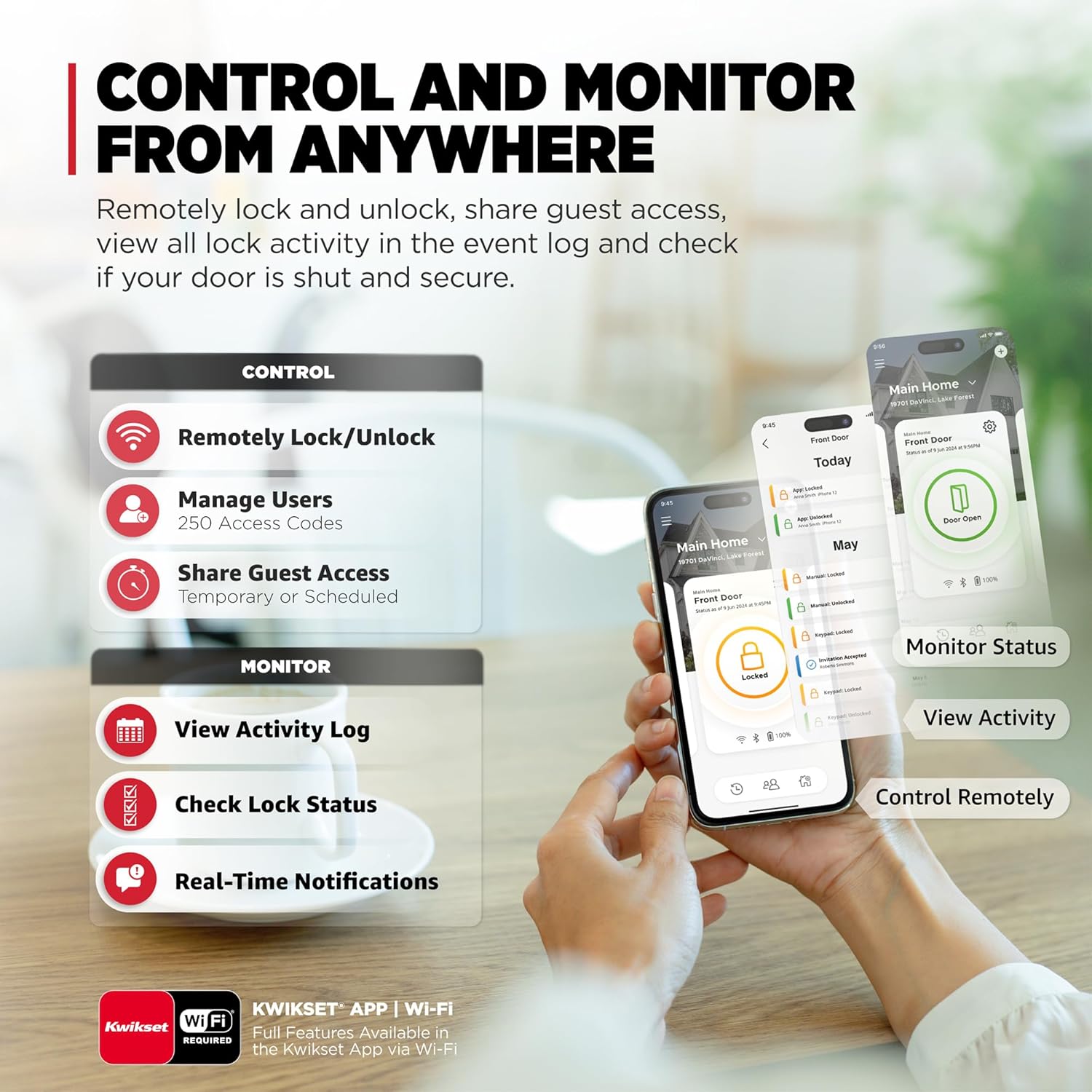
- Wi-Fi Connectivity Without a Hub: The Halo Select connects directly to your home network via Wi-Fi, enabling real-time remote control through the Kwikset app. Lock or unlock your door from anywhere in the world, check its status instantly, and manage access permissions—all without requiring a separate smart home hub. This makes it one of the most accessible smart locks on the market for both new and existing smart homes.
- Matter-Enabled Smart Home Integration: As a Matter-enabled device, the Halo Select works harmoniously across leading smart home platforms including Amazon Alexa, Apple Home (HomeKit), and Google Assistant. Whether you use voice commands, automation routines, or third-party apps like Apple’s Home app or Samsung SmartThings, the lock integrates into a unified ecosystem. This ensures consistent performance and long-term compatibility as smart home standards evolve.
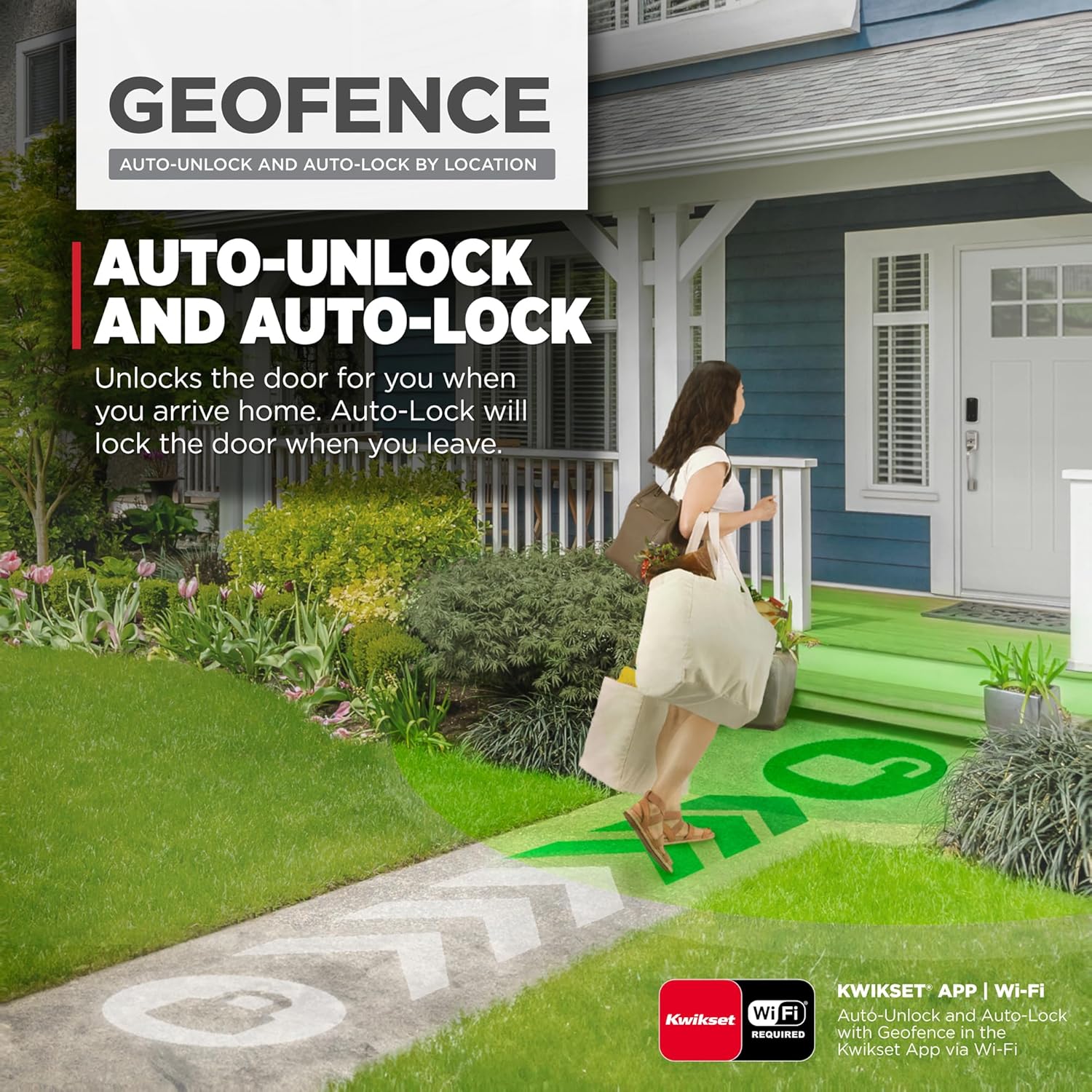
- Keyless Entry Options: Say goodbye to keys forever. Access your home using the Kwikset app on your smartphone, enter codes directly on the lock’s touchscreen keypad, or enable geofence technology. Geofencing automatically detects when you’re approaching your home based on your phone’s location and unlocks the door—ideal for hands-free convenience when carrying groceries or returning at night.
- Guest Access Management: Share up to 250 unique access codes with family members, houseguests, or service providers. Each code can be set as temporary, scheduled, or permanent, giving you full control over who enters and when. For example, you can create a one-time code for a delivery driver or schedule access for a cleaning service during specific hours—all managed securely through the app.
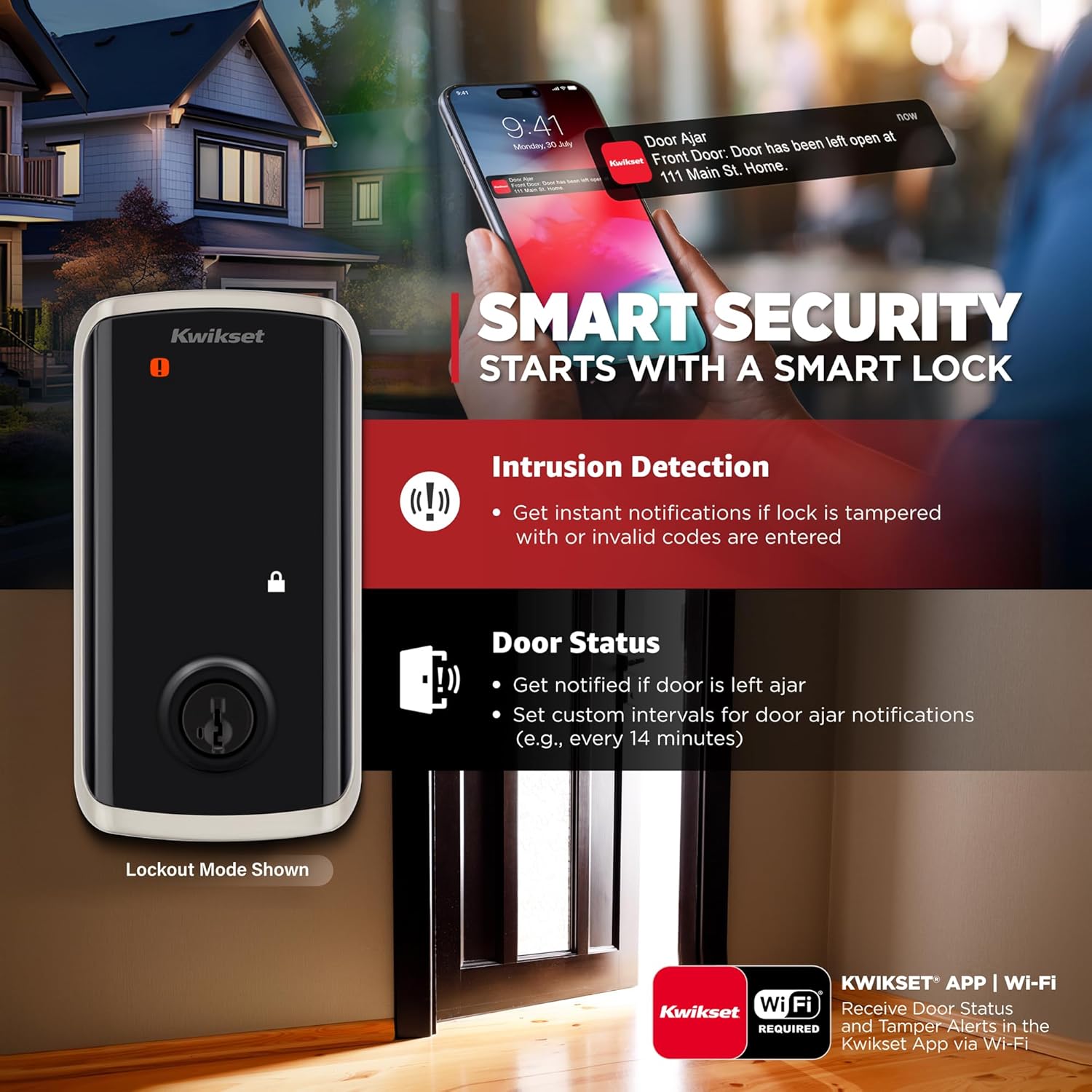
- Intrusion Detection & Real-Time Alerts: The lock monitors for unauthorized access attempts and tampering. If someone enters an incorrect code multiple times or tries to pry the lock open, you’ll receive instant notifications on your smartphone. This feature adds an essential layer of security, especially valuable if you’re away from home or have frequent visitors.
- Interactive Setup & DIY Installation: The Halo Select features guided setup through the Kwikset app, which walks you through every step from app connection to customizing access codes. Installation requires only a screwdriver—no drilling, no professional help needed. The lock fits standard deadbolt prep holes, making retrofitting quick and straightforward.
Technical Specifications
- Model: Kwikset Halo Select Smart Lock
- Entry Type: Keyless electronic deadbolt
- Connectivity: Wi-Fi (2.4 GHz, no hub required), Matter-enabled
- Compatibility: Amazon Alexa, Apple HomeKit (Matter), Google Assistant, Apple Home app, Samsung SmartThings
- Access Methods: Smartphone app, touchscreen keypad, geofencing, voice control, guest codes
- Guest Codes Supported: Up to 250 (temporary, scheduled, or permanent)
- Security Certification: Grade AAA certified by ANSI/BHMA—highest residential standard
- Finish: Satin Nickel with Lifetime Finish Warranty
- Battery Requirement: 4 AA batteries (included), with low-battery alerts sent via app
- Installation: DIY-friendly; fits standard 2-3/8″ or 2-3/4″ backset
- Warranty: Limited lifetime mechanical warranty, limited 1-year electronic warranty
Benefits & Use Cases
The Kwikset Halo Select Smart Lock is ideal for homeowners who want to modernize their home security without complexity. Its Wi-Fi capability means you never have to worry about forgetting to lock the door—simply check the app before bed or remotely lock up after letting in a pet sitter. The integration with major smart assistants allows you to say “lock the front door” while walking in, or trigger automations like turning on lights when you arrive.
For families or busy professionals, the ability to share digital keys with trusted individuals provides flexibility and peace of mind. No more lost keys or frantic calls to get in—just send a code through the app. Maintenance workers, dog walkers, or Airbnb guests can gain access on your schedule, and you can revoke codes anytime.
The geofence feature enhances everyday convenience. As soon as your phone enters a predefined radius around your home, the lock automatically disengages. When you leave, it re-engages once you’re a safe distance away—ensuring your home stays secure without lifting a finger.
With its intuitive app interface and clear installation process, even those new to smart home devices will feel confident setting up and managing their new lock. The inclusion of intrusion alerts and real-time event logs gives you visibility into all activity at your door, turning passive security into active awareness.
Important Notes
While the Halo Select delivers strong performance and reliable integration for most users, some customers have reported occasional issues with app responsiveness or mechanical jams. These cases appear to be isolated and often related to firmware updates or environmental factors like extreme temperatures affecting battery life. Regular maintenance, such as keeping the touchscreen clean and replacing batteries when prompted, helps ensure optimal operation.
Support availability depends on timely software updates from Kwikset and proper network connectivity. Users are advised to ensure their router supports 2.4 GHz Wi-Fi bands, as the lock does not support 5 GHz networks. The package includes the Halo Select unit, mounting hardware, four AA batteries, screws, spacers, and a user manual—everything needed for installation without additional purchases.




4 reviews for Kwikset Halo Select Smart Lock Keyless Entry Door Lock Wi-Fi
Add a review
Related Products

Aqara Smart Lock U100, Fingerprint Keyless Entry Door Lock

Veise Fingerprint Door Lock with 2 Door Knobs – Keyless

eufy Security Smart Lock C210, Keyless Entry Door Lock,




Gandilor –
Name brand Smart lock
Kwikset is a name that is used by probably tens of millions of homes for standard door locks and handles; this is their smart lock. I had a Halo lock on my previous house (we recently moved), so I got another one for the new house front door. The only difference I can see between the Halo and the Halo Select is that the Select has a sensor to tell you that your door is not closed, even though the deadbolt may be moved into the lock position. The regular Halo lock doesn’t have this sensor, so it will only tell you that the deadbolt is in the locked or open position (but it’s possible that the door could be ajar though the deadbolt is locked, so you might think your door is secure when it actually isn’t).Installation is straightforward, and you can either download a pdf file with instructions, or use the interactive steps that are included in the free app — it even includes little animations to show you what to do. It walks you through removing your old deadbolt, installing the new one, and setting up the code(s), and getting it up and running to control it with your app. It even includes batteries!You can monitor the status of your door, lock and unlock it remotely, add new PIN codes, etc. If you want, you will get push notifications on your phone whenever the door is locked and/or unlocked. Of course you can also unlock the door with a key or by turning the handle on the inside.I am very happy with these Kwikset locks and the app. Two thumbs up.
mark –
Potential
Well, it appears my 1st lock was defective. Wouldn’t stay connected to wifi and touch pad unresponsive. Overall, very disappointed with a product with so much potential.Just installed my replacement unit and so far, works as expected. Wifi, touchscreen and features are working but will see if it lasts.Design is beautiful and seems to be well made. Kinda pricey compared to other locks with similar features. The quick rekey feature is very easy and nice to have.
aldera –
Solid quality and design
I’ve probably installed a dozen of these smart locks over the past few years. This is my second Kwikset lock and is quite an improvement over the last one. If you’ve never installed a smart lock before, this is the lock for you.The first thing you’ll do is scan the QR code to download and install the app on your phone. Once you create an account, a step-by-step animated installation manual, within the app, will walk you through the entire installation process. I’ve never seen anything like it before. I was completely impressed with the quality and clarity of the instructions. To make it almost impossible to mess it up, the different pieces of the lock are put into separately numbered boxes. You’re not searching through a pile of different parts trying to figure out which one to use. It’s a simple, yet amazing way to do it. The people that came up with this method should be applauded. They even include the batteries.For my installation, I used Bluetooth and Wifi to provide connectivity. Again, every step was shown through the app and everything went smoothly and without incident. This lock also supports a connectivity protocol called Matter. This is one of the newer smart home protocols. It’s supported by many different brands and promises to provide secure connectivity among many different devices and can stay connected even without an Internet connection.As far as using the lock goes, the app provides a clean interface to perform the many operations and adjust the various features available. A log is kept of every lock operation made. You can be notified if the lock is locked, unlocked or invalid lock attempts were made. You can set up codes for guests or service people that only work at specific times. You can auto-lock the lock after a specific time period. It can even tell you if you left the door ajar.One feature that I really like is the geofence feature. You can set up your phone so that when you get within about 15 feet of the lock it will automatically unlock. Really great for when you have your hands full. You can also set it up so that when you leave your home and get about 250 feet away, it will automatically lock the lock. You never have to worry whether or not you forgot to lock the door after leaving the house.Of course you can connect it to Alexa, Google or Apple and lock/unlock your door with voice commands.Finally, the lock itself is solidly built and good looking on your door. The fit and finish, smoothness of the lock mechanism and responsiveness of the touchscreen is second to none.Does it sound like I’m impressed with this lock? You bet. If you’re looking for a solid and well built smart lock, backed up by a company that’s been in the lock business for decades, look no further than the Halo Select. Highly recommended.
Tech Dad –
Bought yesterday, returning today – the App is unreliable and support is limited.
There was only review posted when I purchased this but it was a new item and from a vendor I knew (Kwikset). I should have done more research.I opened the box and tried going through setup, starting with creating an account for the app. That’s as far as I got. I tried creating an account but was told there was an issue and did not have Wifi or cellular data (I did !) tried a tablet and two other phones: same issue. Customer support has limited hours at the best of times and by 4pm on 23rd December they were gone until the 26th so I hit the forums.Out of over 2,000 play store reviews the app has 2.1 stars with the majority being 1 star because of the app reliability or wifi issues.Scrolling through I did find people with the same issue as me – it only allows you to create emails from certain domain names the recommendation was to use a gmail email as they allowed those email domains.At this point I could have created an email account for this app but why should I? Looking at the hundreds of reported issues with the app including need often re-pair/reset the app and lock.Luckily I only opened the box – I am glad I tried the app before I took the lock out and installed it.